WRONGPASS invalid or missing auth token
Symptom
The database rejects your request with an error similar to:
UpstashError: WRONGPASS invalid or missing auth tokenDiagnosis
The server rejects your request because the auth token is missing or invalid.
Most likely you have forgotten to set it in your environment variables, or you are using a wrong token.
The connection password can only be used in traditional Redis clients. If you want to connect over HTTP, you need to use the HTTP auth token.
Solution
-
Check that you have set the
UPSTASH_REDIS_REST_TOKENin your environment variables and it is loaded correctly by your application at runtime. -
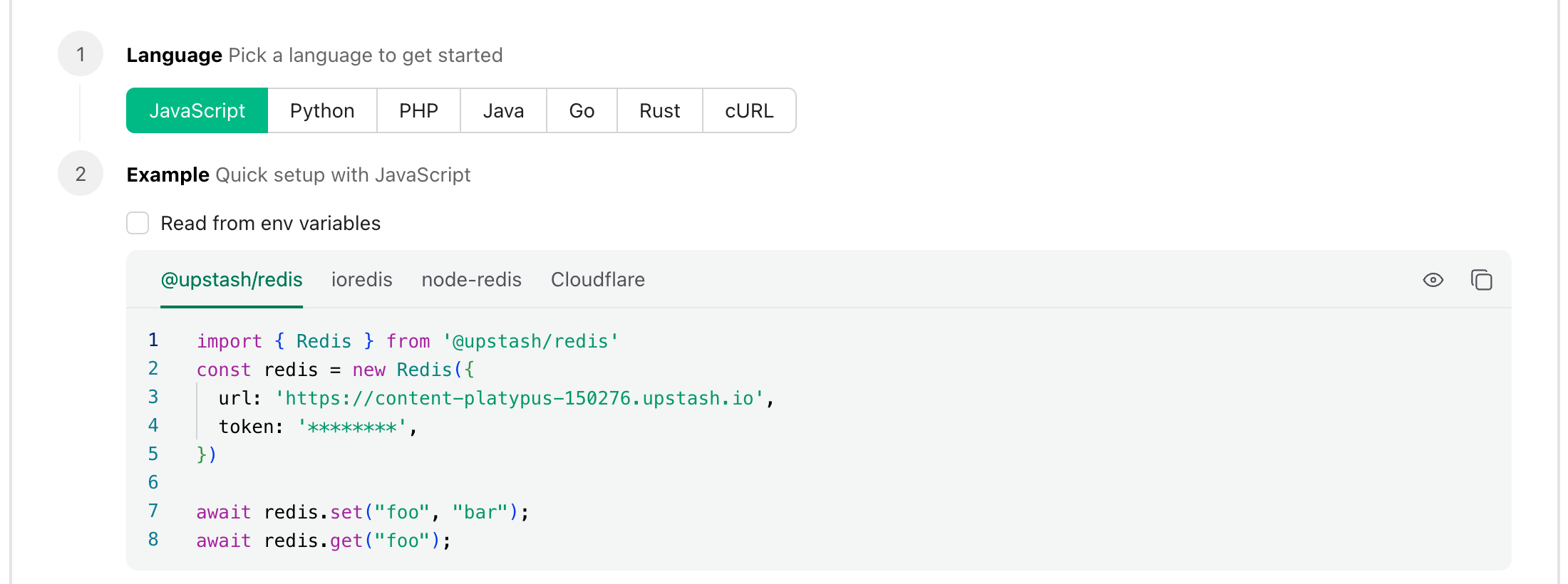
Make sure you are using the correct HTTP auth token. You can copy the correct client configuration from the Upstash console by copying the snippet from the
Connectsection ->JavaScripttab
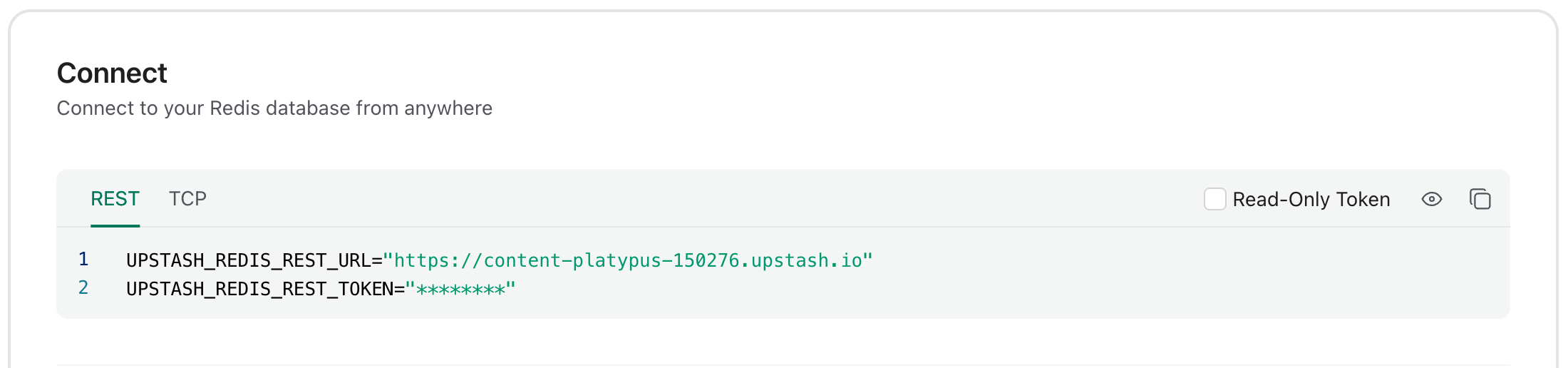
Or select the REST tab in the Connect section and copy the
UPSTASH_REDIS_REST_URL and UPSTASH_REDIS_REST_TOKEN from there.